
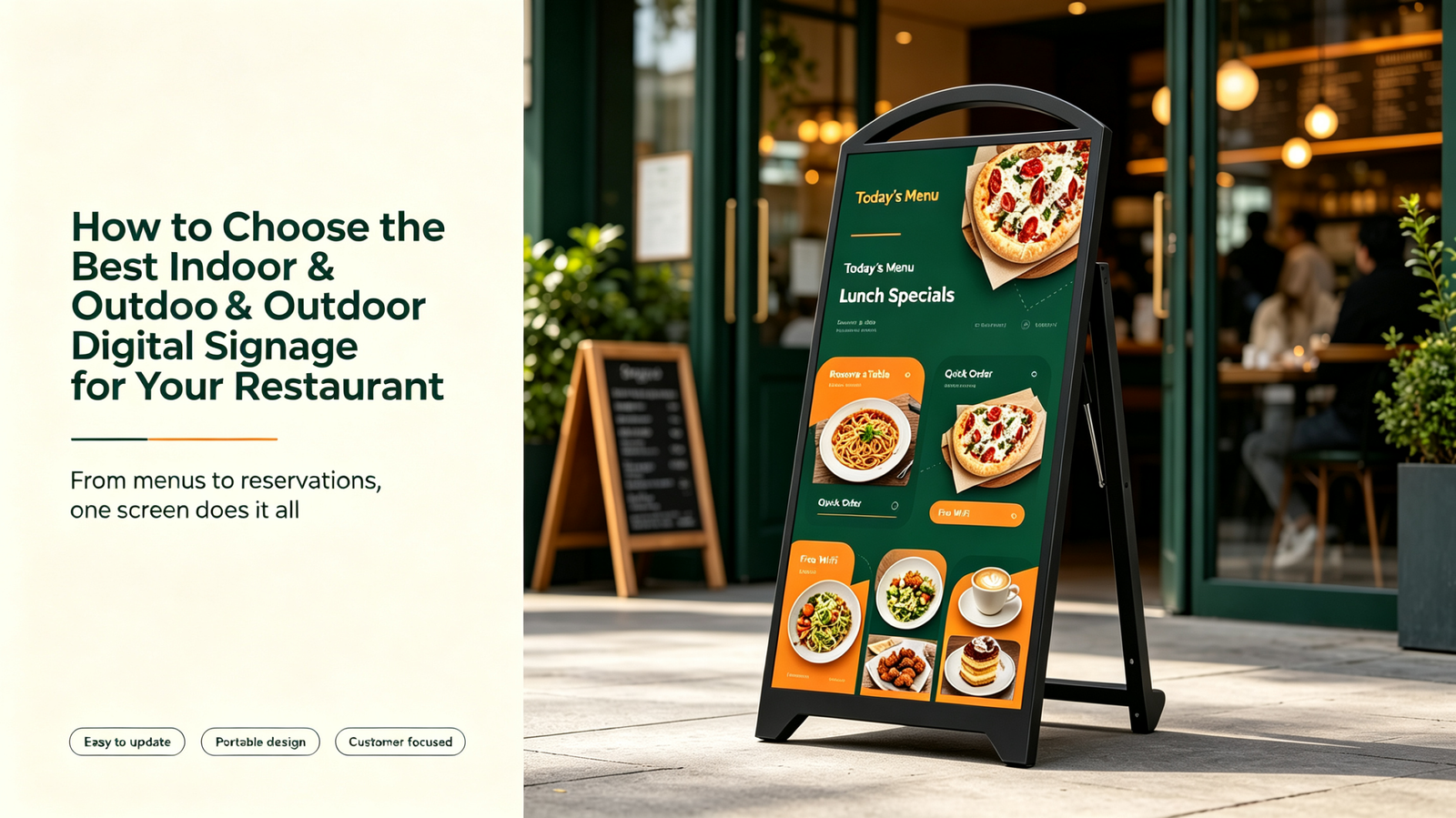
Digital signage has rapidly become a standard tool for restaurants—from quick-service drive-thrus to fine dining establishments. But choosing the right solution is about more than just picking the brightest screen. The decisions you make today will affect your operational efficiency, customer experience, and total cost of ownership for years to come. Here’s a practical guide to selecting the best digital signage for your restaurant.
Start with Your Environment
Many buyers get this backward. They pick a screen first and then figure out where to install it. That is how you end up with a 350-nit display in a sun-drenched atrium, or an expensive outdoor-rated panel sitting in a fully air-conditioned dining room .
Your environment dictates everything: brightness needs, weather protection, mounting complexity, and whether you need commercial-grade vs. consumer-grade hardware.
Indoor uses – Menu boards behind the counter, wall-mounted promotional displays, or digital menu boards in the dining area. For most indoor setups, a commercial LCD display with 350–500 nits is genuinely sufficient . If your restaurant has large windows and strong ambient light, you may need 500–700 nits to maintain readability . For a typical quick-service counter, 32–43 inches is often enough; wall-mounted menu walls benefit from larger 55–65-inch screens for better visibility from a distance .
Outdoor or drive-thru uses – This is a completely different category. Direct sunlight requires high brightness—generally 700 nits or more, with 1,000+ nits recommended for full sun exposure . Outdoor displays also need weatherproof enclosures with ratings like IP54 or IP65 for dust and moisture protection, plus ruggedized construction to handle temperature fluctuations .
LCD vs. LED: Know the Difference
There is a lot of confusion around display technologies. Here’s the straightforward breakdown:
LCD remains the workhorse for most commercial indoor signage. Modern commercial LCDs with IPS panels deliver wide viewing angles (up to 178°), support 4K resolution, and are designed for continuous commercial use. They are cost-effective, widely available, and excellent for close-proximity viewing—menu boards, wayfinding kiosks, and corridor displays .
Direct View LED is for large-scale or high-brightness requirements. LED walls can reach 4,000+ nits, making them viable for outdoor use and large venues. The trade-off is higher cost and lower pixel density at close range .
OLED sits at the luxury end—self-emissive pixels, infinite contrast, and ultra-thin form factors. Best suited for flagship retail or boardrooms. Not generally the right choice for high-uptime restaurant deployments due to burn-in risk under static content .
The Brain Behind the Display
Content does not just appear on a screen; something has to decode, schedule, and render it. There are three common architectures:
System-on-Chip (SoC) – The media player is built directly into the display. Fewer cables, simpler logistics—but the computing power is tied to the hardware lifecycle. When the processor becomes outdated, you replace the entire screen . That said, many modern SoC displays run Android out of the box, enabling cloud-based content management without extra hardware .
External Media Player – A separate device (Android box, BrightSign, or PC) connects via HDMI. This offers more processing flexibility and allows independent upgrades. Enterprise units typically cost $300–$400. Better suited for complex deployments: video walls, interactive apps, and live data feeds .
OPS Module – A standardized compute module that slides directly into a compatible display. Zero external cables, hot-swappable, and used heavily in corporate and government environments .
For most restaurant owners, an Android-based SoC display is the most practical choice—you get plug-and-play operation plus remote content management without extra hardware costs .
Content Management: The Hidden Priority
Many buyers fixate on hardware specs and forget about content. I have seen restaurants spend thousands on premium displays, only to shut them off because updating content was too complicated .
Prioritize ease of use. The best digital signage system is one your staff will actually use. Look for:
- Cloud-based CMS that can be updated from a phone or web browser
- Pre-built templates for menu boards and promotions
- Scheduling and playlist features
- Multi-location management if you operate several stores
Some CMS platforms now support remote monitoring and automatic fault alerts—if a screen goes offline, you get notified immediately .
Cost and Vendor Selection
Digital signage is a system, not a one-time purchase. Plan your budget accordingly.
Ballpark estimates (per screen, all-in):
- Basic indoor display: $1,000–$2,500
- Outdoor screen: $6,000–$12,000+
- Interactive kiosk: $4,000–$10,000
Beyond price, evaluate vendors on:
- Usability – Is the CMS intuitive? Can staff use it without IT support?
- Scalability – Can the system grow with your business?
- Warranty and support – Look for 1+ years of free maintenance and remote diagnostics
- Total cost of ownership – Consider licensing fees, content design, and replacement cycles
Installation Essentials
Do not overlook physical installation. Before purchasing, confirm:
- Your wall can support the weight (a 55-inch display weighs 25-30 kg)
- Power outlets are nearby
- Cabling can be concealed
- For outdoor installations, the mounting hardware is weather-rated
For drive-thru applications, purpose-built mounting systems like the Chief Velocity Outdoor Pedestal System now support single, dual, or triple display configurations with modular designs that allow future expansion .
Final Thought
Digital signage is a tool, not a trophy. Choose a solution that matches your environment, your operational workflow, and your staff’s ability to manage it. When done right, it becomes a silent salesperson that promotes daily specials, reduces customer uncertainty, and frees up your team from explaining what is on the menu—so they can focus on serving great food.
Looking for a reliable digital signage solution tailored to your restaurant? Explore commercial displays and media players at Sundek Display.