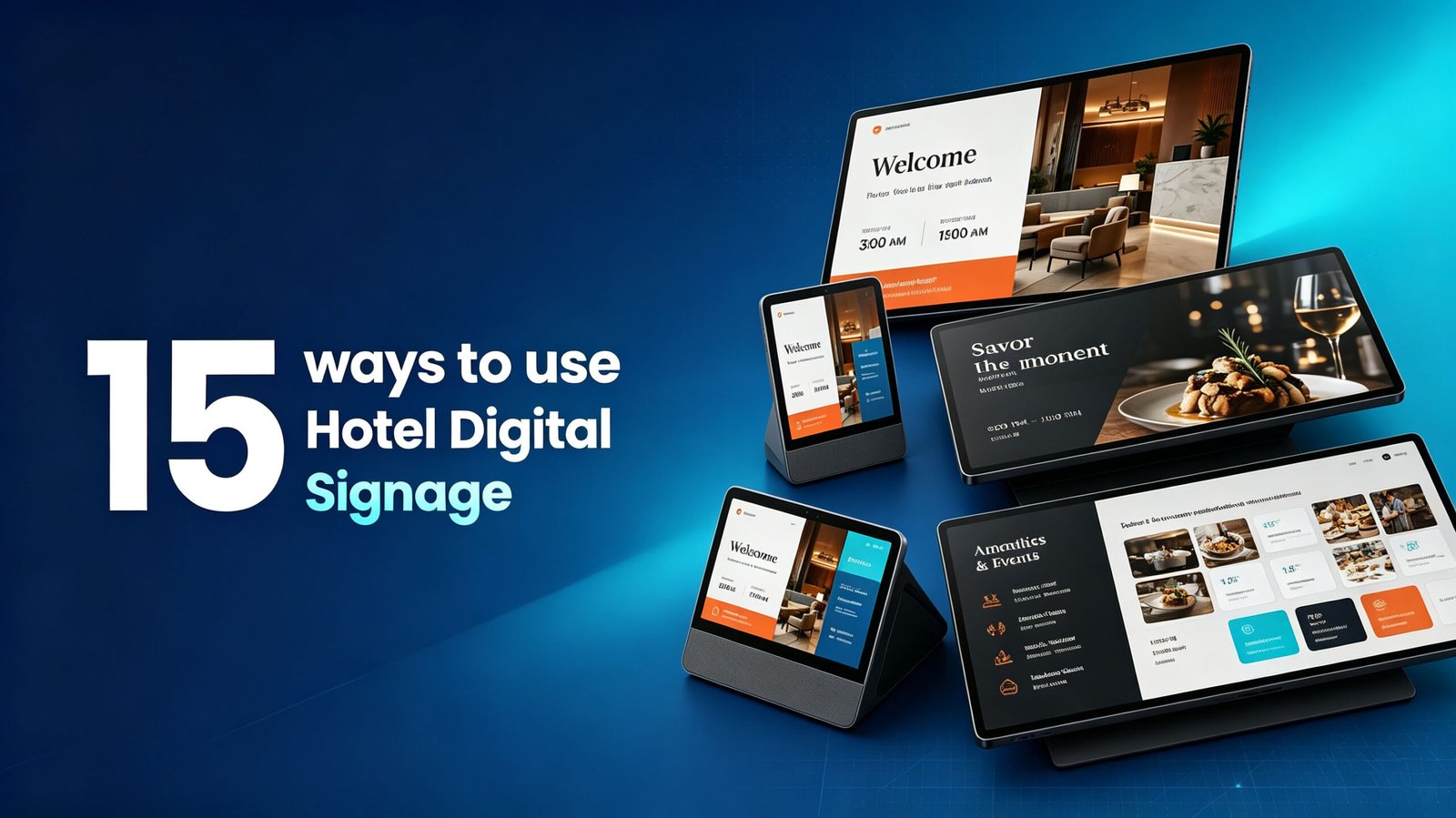
Digital signage in restaurants has evolved far beyond the static menu board. Whether you run a quick-service restaurant, a fine-dining establishment, a café, or a cloud kitchen, screens are now one of the most powerful tools for increasing average order value, improving operational efficiency, and making the dining experience more memorable.
This guide covers 15 practical content ideas for restaurant displays—from countertop screens to drive-thru boards—and maps them to the right hardware type so every screen in your space actually works for you.
1. Make Your Signature Dishes Impossible to Ignore
This sounds obvious, but most restaurants still don’t do it well. Instead of static food photos, use motion: cheese pulls, coffee pours, burgers sizzling, steam rising from fresh dishes.
People eat with their eyes first. Even subtle movement can dramatically increase attention. Add emotional cues like “Our most ordered pasta” or “Freshly baked every morning” to make the food feel more desirable.
Best hardware for this: Portable indoor digital signage or wall-mounted displays behind the counter, positioned where customers naturally look while ordering.
2. Run Daypart Promotions That Switch Automatically
A breakfast promotion showing at 2 PM looks careless—and worse, it’s a missed selling opportunity.
With digital signage, you can schedule your morning combo at 6 AM, switch to your lunch feature at 11 AM, and push afternoon snack offers at 3 PM. The content manages itself. No staff intervention required.
Best hardware for this: Wall-mounted digital menu boards at the counter, or portable indoor signage at secondary order points like pop-up stations.
3. Show Customer Reviews and Social Proof on Your Screens
People trust people. A glowing review on a screen feels far more authentic than traditional advertising. Showcase:
- Google reviews
- Instagram mentions
- User-generated photos
- Milestones like “10,000 happy customers”
This works especially well in crowded food courts or streets where customers are choosing between multiple restaurants nearby.
Best hardware for this: Wall-mounted displays near the entrance or queue line, where customers have time to read while waiting.
4. Use Countdown Timers for Limited-Time Offers
A printed poster doesn’t create urgency—a moving screen does. A visible countdown like “Ends in 2 hours” or “Today only” pushes customers to act faster.
This works particularly well for:
- Daily fresh bakery items that sell out
- Happy hour windows
- Flash discounts on slow-moving inventory
Best hardware for this: Portable indoor digital signage placed near the counter or at table-side, and wall-mounted displays visible from the queue line.
5. Display Live Social Media Feeds
Pull in live social content—customer posts, tagged photos, Instagram reels. This does two things:
- It makes your space feel active and popular
- It encourages more customers to post about you
Add a simple prompt: “Tag us to get featured” —that single line can dramatically increase user-generated content.
Best hardware for this: Wall-mounted displays in high-traffic areas like waiting zones or the dining room.
6. Turn Your Drive-Thru Screen into a Selling Tool
Most operators treat the drive-thru menu as a static information display. But a guest who has pulled into your lane has already decided to spend money—the screen shapes what they spend it on.
Feature add-ons, prompt combo upgrades, and show items they haven’t tried. Drive-thru screens are not about information delivery—they’re about influencing a decision already in motion.
Best hardware for this: Outdoor portable digital signage with high brightness for sunlight readability, or weatherproof wall-mounted displays designed for outdoor conditions.
7. Communicate Wait Times So Guests Stay
An unknown wait feels longer than a communicated one—and guests who don’t know how long their order will take either leave or stay and leave frustrated.
A simple order status or wait time display solves this at low cost. A screen showing estimated wait ranges by time of day measurably reduces walkouts during peak periods.
Best hardware for this: Wall-mounted digital signage in the waiting area, or desktop digital signage at the pickup counter.
8. Promote Your Loyalty Programme at the Counter
Converting a first-time visitor into a loyalty member is the cheapest customer acquisition you will ever get.
A dedicated counter display with a simple message and a QR code is one of the most cost-effective digital signage deployments available. You are not acquiring a new customer—you are increasing the lifetime value of one who has already chosen you.
Best hardware for this: Desktop digital signage on the counter, or wall-mounted displays at the point of payment.
9. Use the Queue Line for Entertainment and Education
Nobody likes waiting—but interesting screens can make it feel shorter. Show:
- Food trivia and fun facts
- Behind-the-scenes kitchen footage
- Chef interviews
- Ingredient sourcing stories (local farms, family recipes)
These stories give your brand personality—and personality is what people remember.
Best hardware for this: Wall-mounted or suspended digital signage along the queue path, placed where customers naturally look while waiting.
10. Highlight High-Margin Items at the Moment of Decision
Digital menu boards are not just for menus—they are opportunities to sell. At the order moment, display:
- Combo upgrades (“Add a drink and dessert, save $2”)
- Premium add-ons
- Seasonal drinks or sides
Position bundle messaging directly above or beside the item it pairs with, not on a separate screen.
Best hardware for this: Wall-mounted digital menu boards behind the counter, or portable indoor signage at secondary order points.
11. Use QR Codes to Bridge Physical and Digital
Add QR codes to your digital signage that let customers:
- View the full menu on their phone
- Place a mobile order
- Join your loyalty program
- Leave a review in one tap
This is especially powerful for desktop digital signage at tables and wall-mounted displays in waiting areas.
12. Show Behind-the-Scenes Kitchen Content
Customers love authenticity. Short clips of your kitchen in action—chefs prepping ingredients, plating dishes, or working with fresh produce—build trust and make the dining experience feel more transparent.
Best hardware for this: Wall-mounted or suspended digital signage in the dining room, visible from every table.
13. Run Holiday and Seasonal Promotions Without a Print Run
The most common reason operators underinvest in seasonal promotions is the operational cost: designing assets, coordinating print runs, updating locations manually.
With digital signage, you build your seasonal content in advance, schedule it to go live on the right date, and set it to auto-expire when the window closes. No reprint. No manual updates.
Best hardware for this: Any form factor—portable, wall-mounted, or suspended—depending on where your customers queue and order.
14. Turn Your Dining Room into a Delivery Acquisition Channel
Many of your dine-in guests would place delivery orders regularly if they knew the option was easy and available.
A display zone promoting your delivery platform, app offer, or direct ordering link—positioned where waiting guests can see it—turns your physical location into a delivery acquisition channel.
Best hardware for this: Desktop digital signage on tables or countertops, and wall-mounted displays in the waiting area.
15. Use Screens for Back-of-House Operations
Digital signage isn’t just for customers. Kitchen display systems (KDS) and staff communication screens streamline operations:
- Show order status in real time
- Display shift schedules
- Highlight prep priorities during rushes
- Reduce order errors by visually confirming items
Best hardware for this: Wall-mounted digital signage in the kitchen, with screens designed for durability and readability in busy environments.
Choosing the Right Hardware for Each Use Case
Not all digital signage is created equal. Here’s a quick guide to matching your needs to the right form factor:
| Use Case | Recommended Product Type |
|---|---|
| Behind-counter menu boards | Wall-mounted digital signage |
| Seasonal pop-ups, events, patio seating | Portable indoor digital signage |
| Drive-thru, outdoor queue lines | Portable outdoor digital signage (high brightness, weatherproof) |
| Customer-facing tables or counters | Desktop digital signage |
| High-traffic dining room displays | Suspended digital signage |
| Kitchen operations | Wall-mounted digital signage (durable) |
At Sundek, we offer a full range of digital signage solutions—from portable indoor and outdoor displays to wall-mounted, suspended, and desktop units—all designed for commercial environments. Whether you need a weatherproof drive-thru screen or a sleek tabletop display for loyalty sign-ups, you can find the right fit.
Final Thoughts
Digital signage in restaurants is no longer a nice-to-have—it’s a revenue tool. The restaurants getting the most value out of their screens are the ones that treat every display as a content channel, not just a menu board. They daypart content, they upsell, they entertain, and they tell stories.
Start small. Pick two or three ideas from this list that match your current pain points. Test them for 30 days. Then iterate.
Because the screens are already there—the question is whether you’re using them to their full potential.
Looking for the right hardware for your restaurant? Browse Sundek’s full range of digital signage solutions—portable, wall-mounted, suspended, and desktop options.