
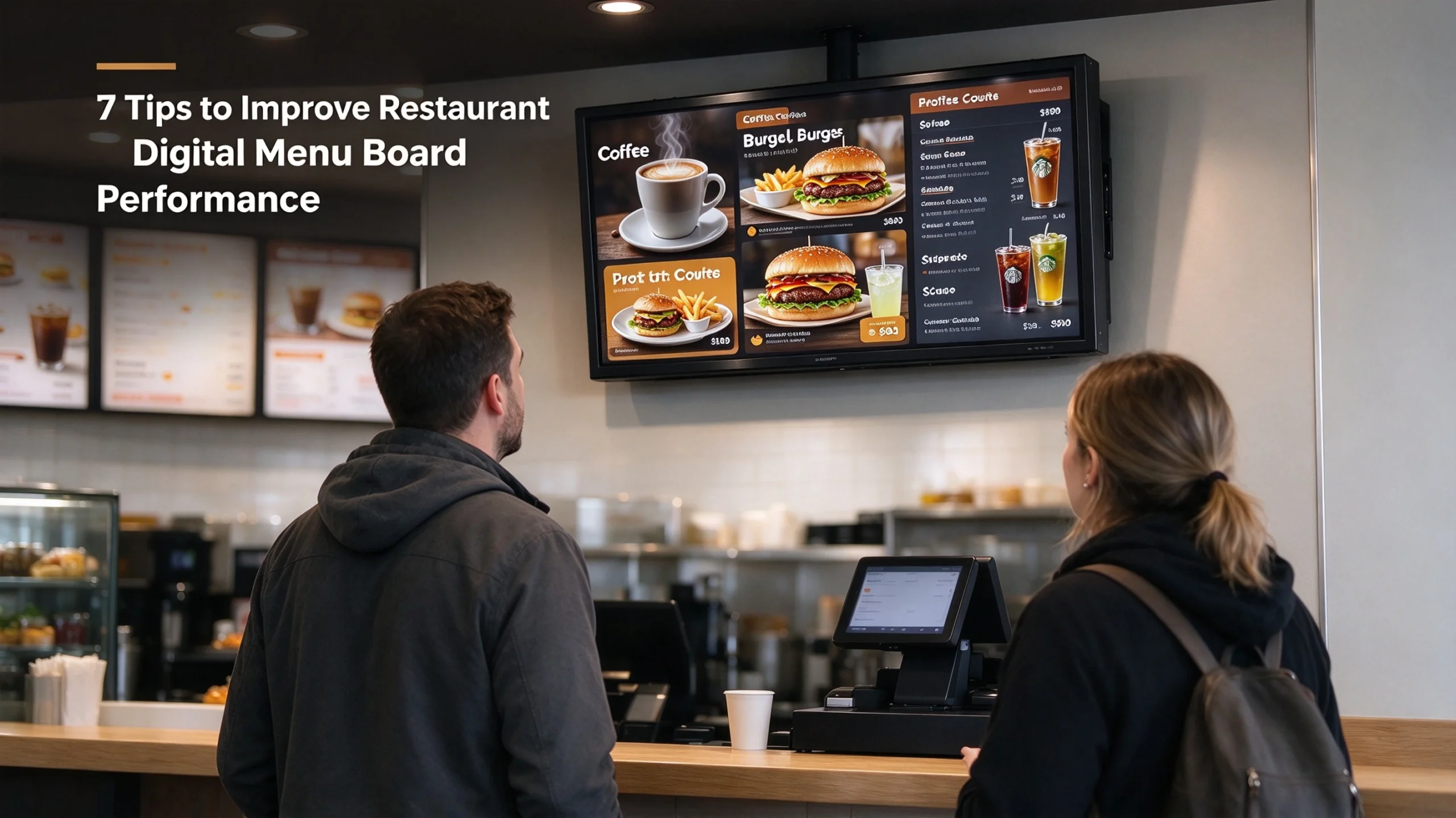
Fast food, cafe and quick‑service restaurant owners invest in digital menu boards to speed up ordering, boost upsells and cut the cost of reprinting paper menus. However, simply hanging a commercial menu screen does not guarantee better sales results. Many operators install digital menu display for cafe and fast‑food counters but see little improvement in customer engagement, order value or checkout speed. Poor layout, messy content scheduling, low visibility and mismatched screen settings are common reasons these digital assets underperform. This guide shares seven practical, actionable tips to improve restaurant digital menu board performance, helping you turn your menu screens into reliable revenue‑driving tools.
The biggest mistake most restaurant teams make is treating the digital menu screen like a digital version of an old printed poster. Static layouts, walls of tiny text, cluttered product lists and outdated promotions defeat the core advantages of digital signage. Unlike paper menus, commercial menu screens support dynamic updates, timed promotions, video clips and segmented content. When optimized properly, they guide guest eyes toward high‑margin combos, limited‑time specials and add‑on drinks or sides without confusing hungry customers during rush hours. Whether you run a busy fast‑food outlet, a small coffee shop or a snack bar, these optimization tactics work for countertop, wall‑mounted and cafe digital menu displays.
1. Simplify Menu Layout and Prioritize Visual Hierarchy
Customers glance at your menu screen for only a few seconds while waiting to order. If your digital menu display for cafe or fast food is packed with too many items, dense paragraphs and dozens of small font lines, visitors will slow down the queue and ignore your upsell offers. Build a clean visual hierarchy that guides attention naturally.
Place high‑profit signature dishes, combo meals and limited‑time offers in the largest, most central zones of the commercial menu screen. Use fewer menu items per screen slide. Split long menus across multiple rotating slides instead of cramming everything onto one single frame. Separate food categories clearly: burgers, drinks, desserts, breakfast sets and kid meals should not blend together. Use consistent brand colours but avoid bright flashing backgrounds that strain eyes under indoor restaurant lighting.
High‑contrast text is non‑negotiable. White or light font on dark backgrounds works best in most restaurant lighting conditions. Skip thin decorative fonts. Sans‑serif fonts at a minimum readable size ensure guests can read prices and dish names from the ordering line. Keep price tags easy to spot beside every item; hidden or messy pricing creates customer hesitation and extra questions for your staff.
2. Schedule Content Dynamically Based on Business Hours
One of the key benefits that separates a high‑performing digital menu board from a static printed menu is time‑based content scheduling. Many operators leave the same menu running 24 hours a day and miss this huge advantage. Use your signage software to auto‑switch menu content for breakfast, lunch, afternoon snack, dinner and late‑night service.
For example, your cafe digital menu display can show breakfast bundles before 11 AM, shift to lunch combos at noon, highlight coffee and dessert specials between 2 PM and 4 PM, then switch back to dinner options in the evening. You can also schedule limited‑time promotions for slow hours to drive foot traffic, such as afternoon drink discounts or weekday meal deals.
Dynamic scheduling prevents customer confusion. Guests will not see unavailable breakfast items listed during dinner service, and your team saves time manually swapping slides every day. This simple adjustment directly improves restaurant digital menu board performance by showing relevant offers to the right audience at the right moment.
3. Use High‑Quality Food Visuals Instead of Text‑Only Slides
Food imagery sells far better than plain text lists on commercial menu screens. Blurry phone photos, over‑filtered images or generic stock pictures hurt trust and reduce order rates. Every featured dish should have sharp, well‑lit, appetizing photos that match what customers actually receive. Avoid overly edited pictures that create unrealistic expectations and customer complaints.
Keep your image style consistent across all slides. Match lighting and colour tone so the whole menu feels cohesive. Pair each hero dish photo with one short headline and a simple price; do not stack blocks of description text over the food picture. Short selling points like “freshly baked”, “made‑to‑order” or “house recipe” are enough, instead of long ingredient paragraphs.
For cafe digital menu display setups, close‑up shots of latte art, pastries and fresh coffee drinks perform extremely well. Video clips of pouring coffee, sizzling burgers or fresh salad preparation can also capture attention, but keep video clips short (3‑6 seconds) and loop gently. Too many busy animated videos can distract guests and slow ordering flow during peak rush.
4. Optimize Brightness, Viewing Angle and Screen Placement
Even the best menu content fails if the screen is placed incorrectly or set to the wrong brightness level. This is a common oversight that kills restaurant digital menu board performance. First, check viewing distance and angle. Wall‑mounted commercial menu screens must sit at eye level for customers standing in the ordering queue. Avoid placing screens too high, too low or where bright overhead lights create heavy glare. Anti‑glare screen panels are worth investing in if your restaurant has strong spotlights or large windows.
Adjust screen brightness according to ambient light. Cranking brightness to maximum all day causes screen washout under bright lights and wastes power. Many commercial displays support auto‑brightness modes that adjust for daytime and evening indoor lighting. Also check screen refresh rate and resolution; blurry, low‑resolution menu slides look unprofessional and hard to read.
If you use multiple digital menu display for cafe counters, stagger them so customers do not crowd trying to view one single screen. Separate grouped screens logically: one screen for combos, one for drinks and desserts, for example.
5. Feature Strategic Upsells and High‑Margin Add‑Ons
Digital menu boards are perfect upselling tools, but upsells need to feel natural instead of pushy. Instead of filling the screen with every possible add‑on, highlight one or two relevant add‑ons next to core menu items. Next to a burger combo, promote fries or a soft drink. Next to a coffee, suggest a muffin or cookie.
Group high‑value bundles clearly. Bundle pricing is easier for customers to understand than picking individual items, and it lifts average order value. Label bundles simply: “Lunch Combo: Burger + Drink + Side”. You can mark seasonal specials or limited‑edition items with subtle badges such as “New” or “Limited Time”.
Avoid overcrowding the screen with too many upsell prompts. If every item has an add‑on suggestion, guests tune everything out. One focused promotion per slide works best, and rotate featured upsells on your commercial menu screen every week to test which offers resonate most with your local customers.
6. Keep Content Fresh and Update Promotions Fast
Stale content is one of the biggest drags on digital menu board performance. If your digital menu display for cafe still shows last month’s holiday discount or out‑of‑stock dishes, customers lose confidence and staff spend extra time correcting mistakes.
Build a simple workflow to update your menu content quickly from a remote dashboard. The core advantage of digital signage is remote editing: you do not need to swap posters or visit each screen physically when prices change or ingredients run out. Create a folder of ready‑to‑use menu templates, so your manager can swap prices, toggle specials off and remove sold‑out items within minutes.
Plan a regular refresh cycle. Update featured dishes, seasonal promotions and pricing monthly at minimum. Even small changes keep the menu feeling active and catch returning customers’ eyes. If you run daily flash deals, schedule these updates in advance within your signage CMS. Always double‑check spelling, pricing and dish availability before publishing changes to all connected commercial menu screens.
7. Track Feedback and Test Different Menu Versions
Many restaurant owners run digital menu screens without measuring what works. To consistently improve restaurant digital menu board performance, run simple A/B tests on your menu layouts. Try two different slide designs for the same promotion for a week and compare sales of that dish. Test different headline wording, image placement and colour schemes.
Track simple metrics: average order value before and after layout changes, how many customers select promoted combos, and feedback from your front‑of‑house team. Your cashiers will notice when guests ask fewer questions, order faster or point directly to items on the screen.
Take note of customer pain points too. If guests repeatedly say the menu is hard to read, the font, contrast or slide count needs adjustment. If a certain promotion never sells well, swap the visuals or reposition it on the commercial menu screen. Digital signage gives you flexibility that static paper menus cannot match; use that flexibility to iterate based on real customer behaviour, not guesswork.
Final Thoughts
A digital menu board is more than a fancy replacement for printed menus. When optimized carefully, your digital menu display for cafe and fast‑food locations speeds ordering, reduces staff workload and increases revenue through smarter promotion. The seven tips above focus on practical, low‑cost changes: cleaner layouts, timed scheduling, high‑quality food visuals, proper screen setup, targeted upsells, frequent content updates and ongoing testing.
Even if you already own commercial menu screens, small tweaks to your content strategy can unlock much better performance. If you are upgrading or adding new screens for your cafe or quick‑service location, wall‑mounted digital menu displays are a reliable option for larger ordering zones. Pair thoughtful menu design with the right hardware to get maximum return from your restaurant digital signage investment.